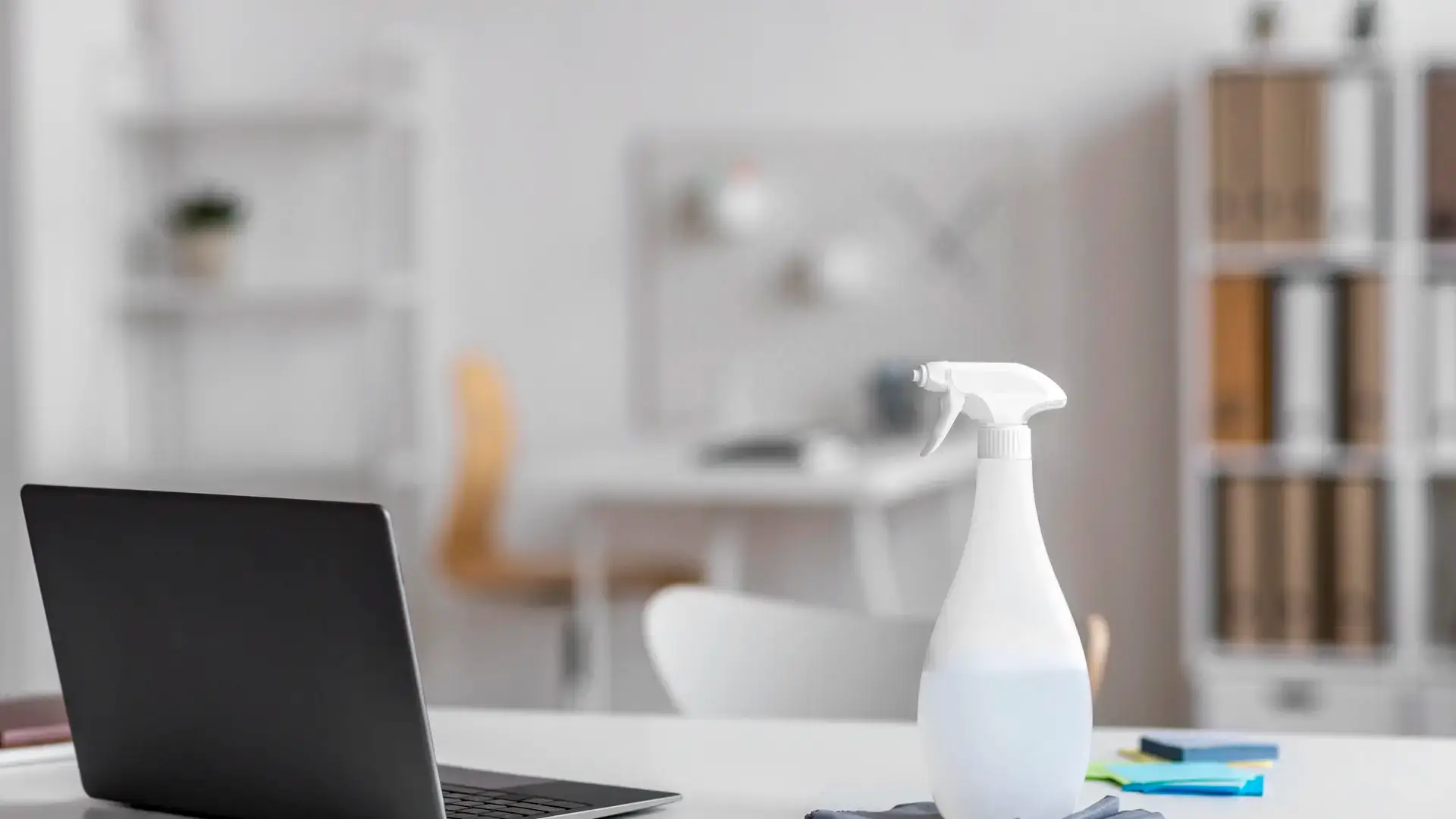
When the same room is where you work, think, and decompress, it collects more than just dust. Remote workers spend more time in their home office than most rooms in the house, yet cleaning it tends to fall to the bottom of the list.
These home office cleaning tips are built for people who sit at the same desk every day, often for eight or more hours. They cover the surfaces that accumulate bacteria and grime fastest. They also include the cleaning habits that take the least time and the organizing principles that make the space easier to maintain between deeper cleans.
The surfaces remote workers clean least (and should clean most)
The most overlooked home office cleaning tips target the surfaces touched most often. Keyboard, mouse, and desk surface rank highest for bacterial load and lowest for cleaning frequency in most remote setups. Cleaning these two to three times per week, not monthly, changes the hygiene profile of the space dramatically.
A clean workspace also affects focus. Clutter and grime in the peripheral field of vision create low-grade cognitive friction. Removing them is one of the simplest evidence-backed changes a remote worker can make.
How the home office differs from a traditional office
In a traditional office, cleaning crews handle the desk, floors, and shared surfaces on a set schedule. Remote workers lose that safety net entirely. Nobody is coming to wipe the keyboard at 10 p.m.
That shift means the remote worker carries full responsibility for a space that functions as a workplace. Most home office cleaning tips simply apply the standards a commercial cleaning crew would use, adapted to a smaller space and a tighter weekly schedule.
What builds up faster than you think
A desk that looks tidy can still be a significant source of bacteria and allergens. Remote workers eat at their desks, sneeze near their keyboards, touch their faces, and rest their wrists on the same surfaces hundreds of times a day.
Research on workplace hygiene consistently finds that keyboards and computer mice carry more bacteria per square inch than many bathroom surfaces. That statistic rarely leads to action, but it should shape how often the desk area gets cleaned.
Home office cleaning tips by surface
Keyboard and mouse
These are the highest-contact surfaces in any home office. Clean them at least twice a week.
Turn the keyboard upside down and tap gently to dislodge crumbs and dust. Use a can of compressed air to clear debris from between the keys. Then wipe keys and the mouse with a disinfectant wipe or a cloth lightly dampened with isopropyl alcohol. Let both dry fully before using.
Avoid spraying any liquid directly onto electronics. Apply liquid to the cloth first, never to the surface.
Monitor screen
Screens attract dust and fingerprints. Wipe them weekly with a dry microfiber cloth first to remove dust, then use a screen-safe cleaner if smudges remain. Paper towels and all-purpose sprays scratch screens over time. A dedicated microfiber cloth is the right tool.
Desk surface
The desk collects crumbs, hand oils, pen marks, and general grime from daily use. Wipe it down two to three times per week with a general-purpose cleaner. Pay particular attention to the area where wrists rest, which accumulates skin oils and transferred bacteria faster than other zones.
Clear items off the desk before wiping rather than cleaning around them. Cleaning around a full desk leaves the most-used corners untouched.
Phone and headset
Work-from-home setups almost always include a phone or headset that is rarely cleaned. These contact the face directly. Wipe the earpiece, microphone area, and any shared surfaces with a disinfectant wipe once a week.
Chair
Chair armrests and the back of the seat collect oils from skin and clothing. A fabric chair benefits from a vacuum pass once a week, plus spot cleaning for visible marks. A hard-surface chair can be wiped down like any other piece of furniture.
Shelving and surrounding surfaces
Books, binders, and stacked papers create ledges where dust settles invisibly. Dust shelving and any items stored near the desk every two weeks. Neglecting this turns the surrounding area into a dust source that resettles on the cleaned desk almost immediately.
Home office cleaning tips for the air quality problem
Remote workers often deal with poor home office air quality without realizing it. A closed room with limited airflow, carpeting, or a nearby HVAC vent accumulates dust and allergens that a surface clean cannot address.
A few practical adjustments help.
- Open a window for ten to fifteen minutes each day when weather allows, to cycle in fresh air
- Check and replace the HVAC filter on a regular schedule, since a clogged filter pushes dust back into the room
- Use a small air purifier near the desk if the room is carpeted or lacks natural ventilation
- Avoid eating at the desk if possible, since food crumbs accelerate the rate at which the keyboard and desk surface need cleaning
Remote workers who address air quality alongside surface cleanliness typically notice fewer headaches, less eye irritation, and better focus during long work sessions. These are not coincidences.
A weekly home office cleaning routine
The most sustainable home office cleaning tips are the ones that fit into a short weekly slot, not a Saturday deep clean.
Daily (under two minutes):
- Clear the desk surface of dishes, wrappers, and papers that have accumulated
- Put away any items that do not belong at the desk
Twice a week (under five minutes):
- Wipe keyboard, mouse, and desk surface
- Empty the trash if it is more than half full
Weekly (under ten minutes):
- Wipe monitor, phone, and headset
- Dust shelving and surrounding surfaces
- Vacuum floor or run a quick sweep if the floor collects debris
Monthly:
- Move furniture and clean underneath and behind it
- Wipe walls near the desk for scuff marks and dust buildup
- Check cable management areas, which collect dust quickly and rarely get attention
Keyboard and desk disinfecting after illness
When a remote worker is sick, the home office becomes a higher-risk zone. The keyboard, mouse, phone, and any shared surfaces need a more thorough disinfection after illness, not just the standard wipe.
Use a registered disinfectant rather than a general cleaner. Apply it to a cloth first, then wipe all high-contact surfaces. Let the surface air dry for the full contact time listed on the product label. This is the same approach used for kitchen and bathroom disinfection, applied to the desk environment.
If someone else in the household also uses the home office, this step matters even more. Shared workspaces spread illness more efficiently than individual ones.
Home office organization tips that make cleaning faster
Clutter is the main obstacle to consistent home office cleaning. A desk covered in stacks of paper and tangled cables turns a five-minute clean into a thirty-minute reorganization project.
A few layout habits reduce that friction.
- Use a single inbox tray for papers that need action. Anything older than a week gets filed or discarded.
- Keep cables off the desk surface using clips or cable channels. Loose cables collect dust and make wiping the desk surface slow and incomplete.
- Limit items on the desk to what is used daily. Everything else belongs on a shelf or in a drawer.
- Keep a small packet of disinfectant wipes in a desk drawer. Visible, accessible cleaning supplies get used far more often than supplies stored in a cleaning cabinet elsewhere in the home.
According to the CDC, regularly cleaning and disinfecting frequently touched surfaces is one of the most effective steps for reducing the spread of illness in shared or high-contact environments. A home office qualifies on both counts, especially when the remote worker is also a parent or shares the space with others.
Real scenario: the desk that was making someone tired
A remote worker who spent eight hours a day at the same desk started noticing persistent headaches and difficulty focusing in the afternoons. After reviewing their setup, the most likely contributing factors were a never-replaced HVAC filter and carpeting that had not been vacuumed in months. The keyboard had not been cleaned since the workstation was first set up. Addressing all three with a consistent weekly cleaning routine and a filter replacement removed the symptoms within two weeks.
The connection between a clean workspace and cognitive performance is well-documented. Clutter and air quality both affect focus. Home office cleaning tips that address the physical environment do more than keep the desk looking neat.
FAQ
How often should a home office really be cleaned? A quick daily pass, a five-minute twice-weekly wipe of the keyboard and desk, and a ten-minute weekly clean of all surfaces and dust covers most home office needs.
Is it safe to use disinfectant wipes on a keyboard? Yes, with care. Squeeze out excess moisture before wiping, avoid getting liquid under the keys, and let the keyboard dry fully before use. Isopropyl alcohol wipes work well for most keyboard types.
What is the single most bacteria-dense spot in a home office? The keyboard consistently ranks among the highest-bacteria surfaces in any work environment. Cleaning it twice a week dramatically reduces bacteria levels compared to cleaning it monthly or less.
Do air purifiers actually help in a home office? For rooms with limited ventilation or carpeting, a small air purifier near the desk can reduce airborne dust and allergens noticeably. The effect is most visible in rooms where the windows are rarely opened.
A workspace worth working in
Good home office cleaning tips do not require a cleaning overhaul. They require ten to fifteen minutes a week, applied consistently to the right surfaces in the right order.
A clean desk, disinfected keyboard, and dust-free air do not just look better. They reduce sick days, improve focus, and make the home office a space that supports work rather than quietly working against it.
The remote worker who builds a consistent cleaning habit early avoids the larger reset that becomes necessary after months of neglect. Five minutes twice a week is always easier than a two-hour catch-up clean on a Friday afternoon.
Keep Reading
Rather hand the work to a team that does this every day? See our office cleaning service or call (214) 430-4447 for a free quote.
Want Your Home to Look Like This Without the Work?
Tell us about your place and we will send you a price. No walkthrough required, no obligation.
- Free quote with no obligation
- Non toxic and pet friendly products
- Bonded and insured, serving DFW since 2002
- 24 hour guarantee on our service
Prefer to talk? (214) 430-4447
By completing this form I acknowledge that I will receive informational text messages from E&R Cleaning Services. I can opt out at any time by replying STOP. Standard message rates may apply.